Quick Pen - Drawing on your Screen
A downloadable Quick Pen for Windows
QuickPen
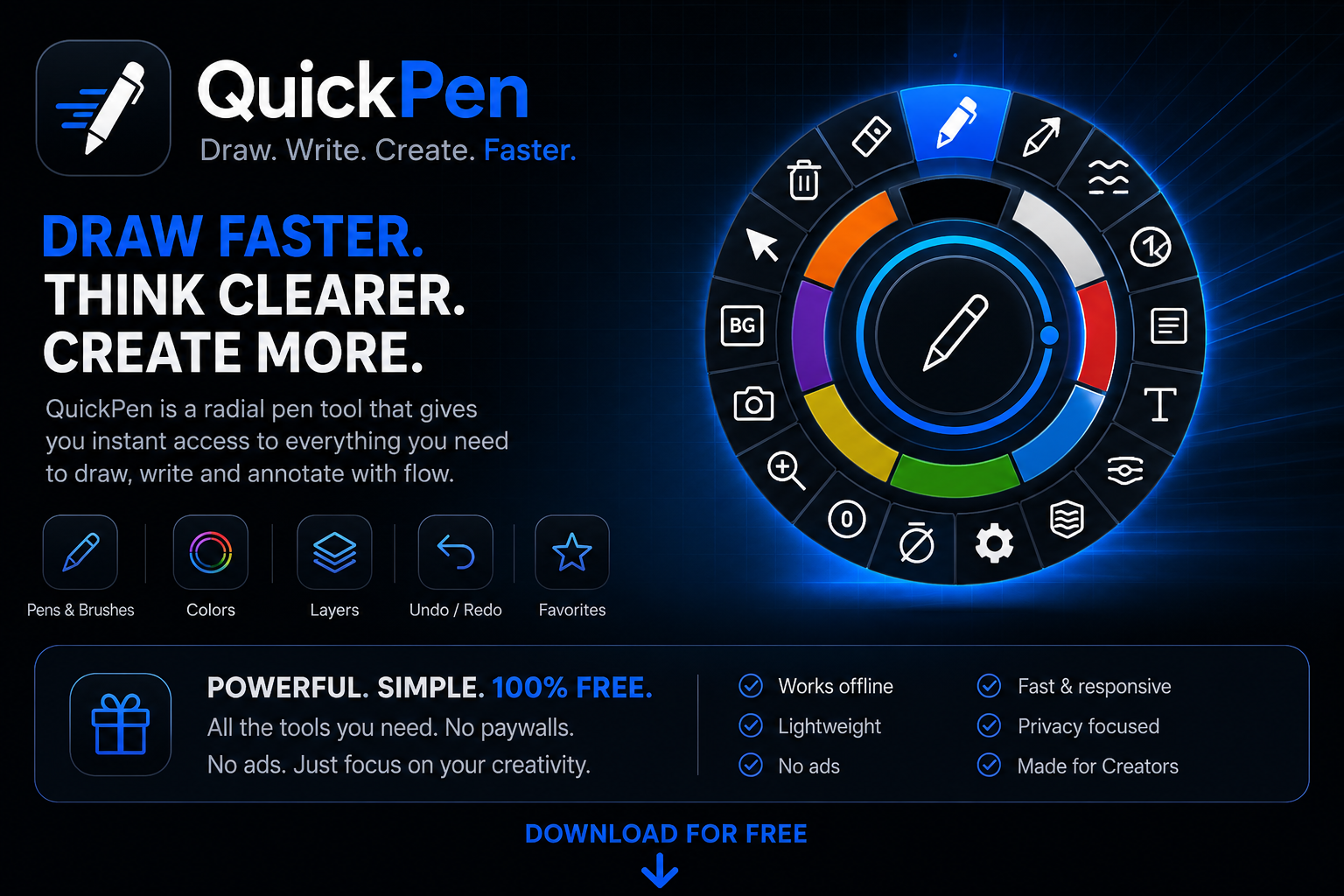
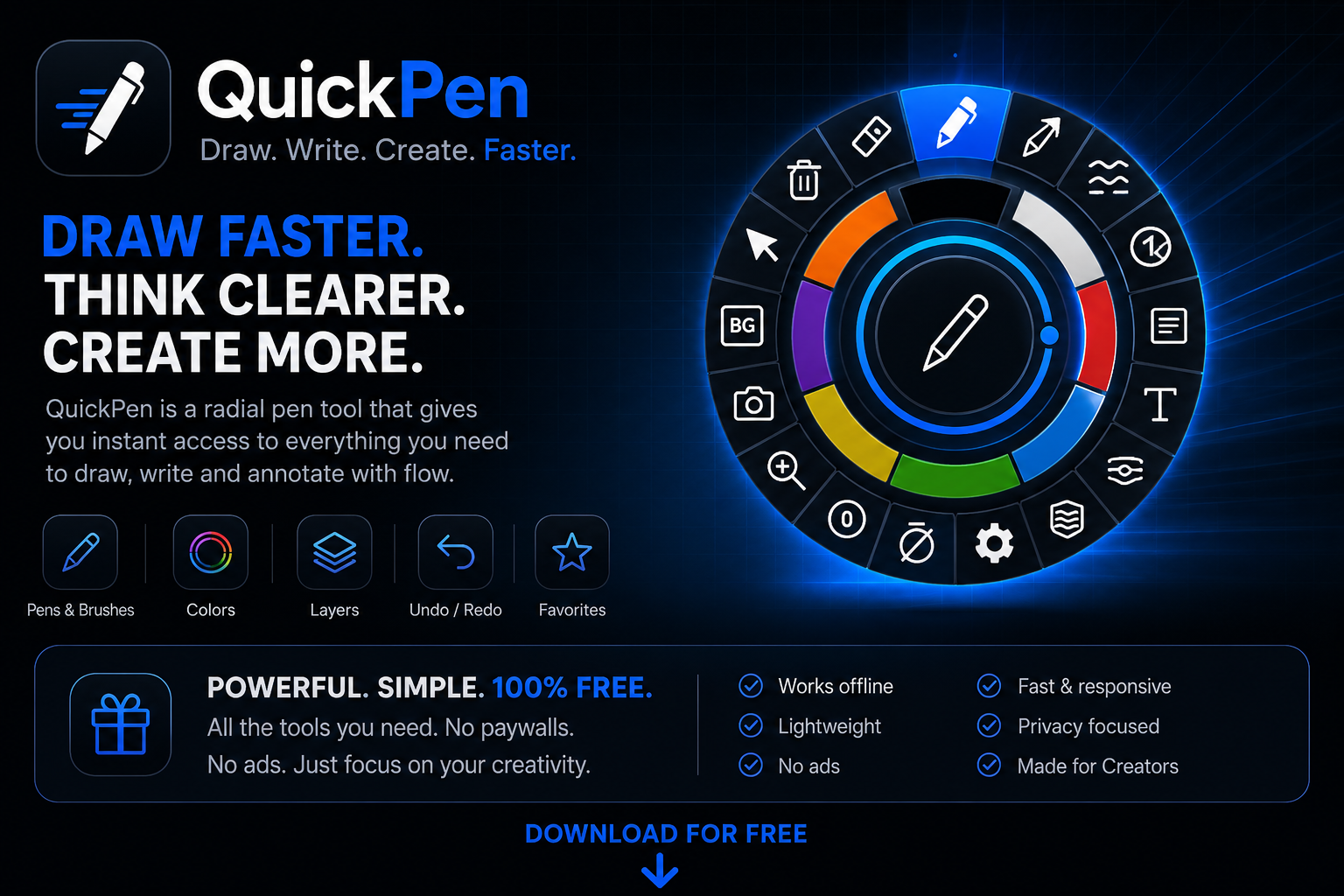
A lightweight screen annotation and drawing tool built for people who need to communicate ideas quickly without interrupting their workflow.
QuickPen combines instant access, fast drawing tools, and a unique radial interface to help you sketch, annotate, highlight, and explain anything directly on your screen.
Whether you're presenting, teaching, reviewing, designing, streaming, or collaborating remotely, QuickPen gives you immediate access to the tools you need without getting in the way.
Why QuickPen?
Most annotation tools require opening windows, navigating menus, or switching applications before you can start drawing.
QuickPen takes a different approach:
- Instant access through a radial menu
- Fast and responsive drawing experience
- Designed for mouse, pen tablets, and touch devices
- Minimal interface with maximum speed
- Built to stay available when you need it
- Optimized for real-time communication
The goal is simple: spend less time searching for tools and more time expressing your ideas.
Key Features
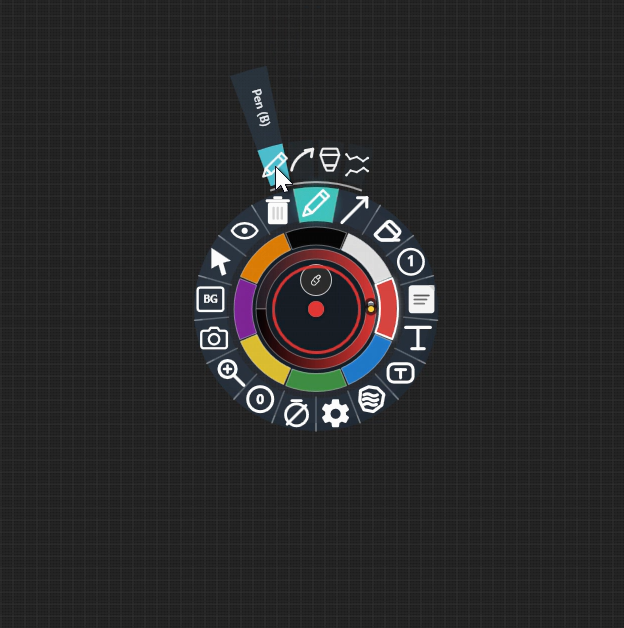
Radial Menu Workflow
Access every tool, color, and setting through a fast circular interface designed for muscle memory and efficiency.
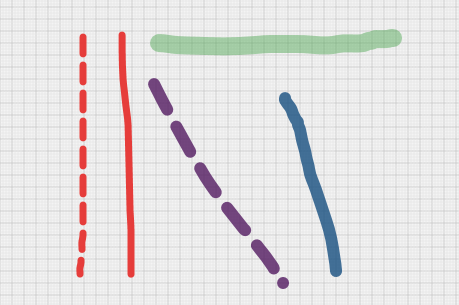
Drawing Tools
Create annotations instantly using multiple tools:
- Pen
- Brush
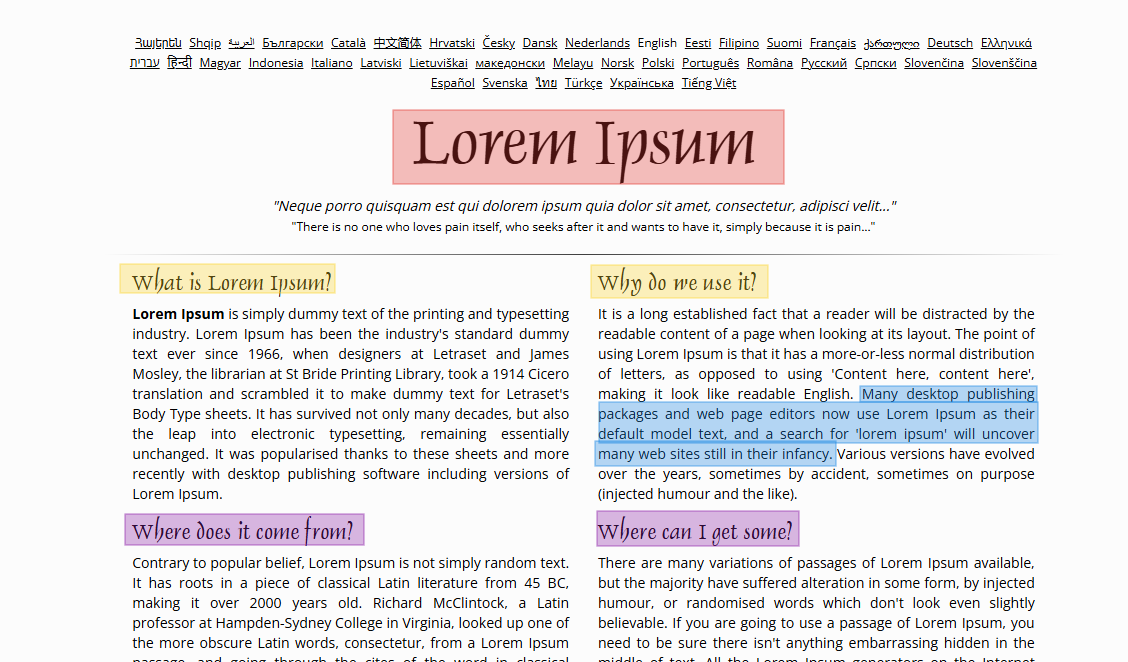
- Highlighter
- Eraser
- Laser Pointer
- Pointer Tool
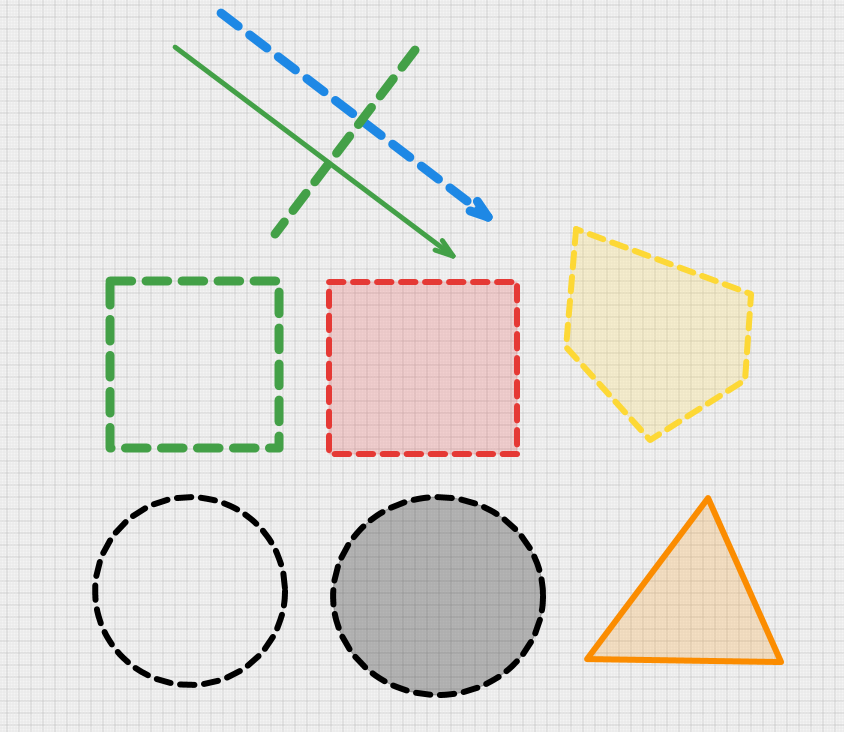
Shapes & Markup
Communicate ideas clearly with built-in shapes:
- Lines
- Arrows
- Rectangles
- Circles
- Filled Shapes
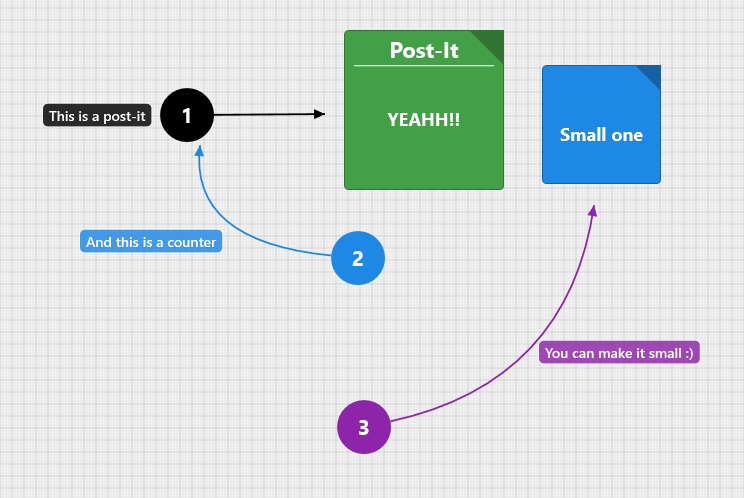
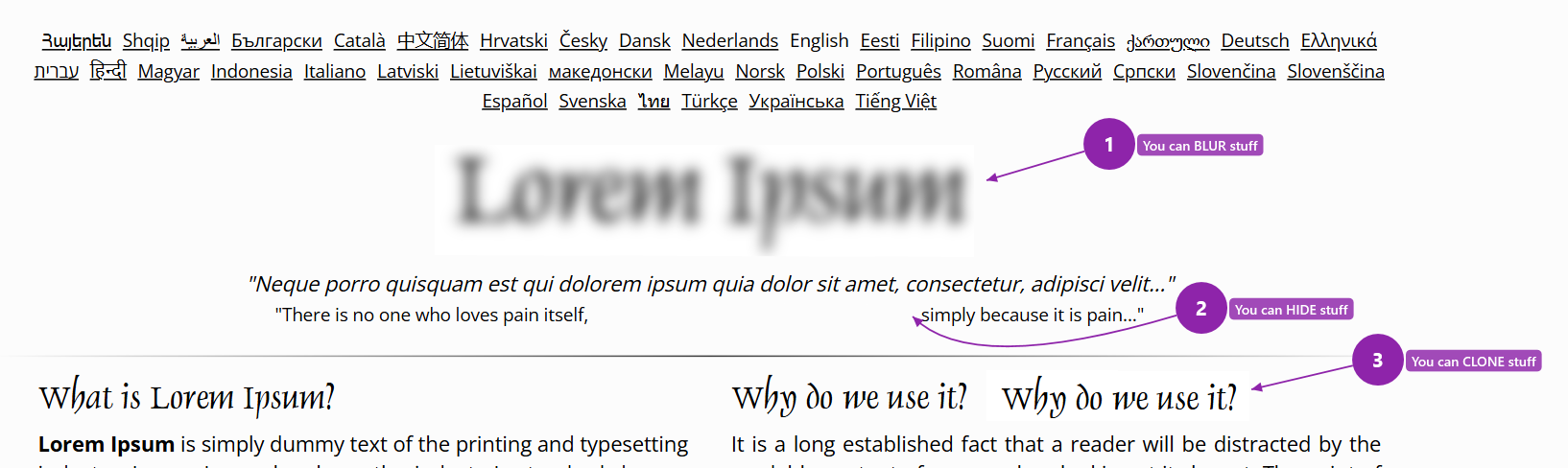
- Counters & Numbered Markers
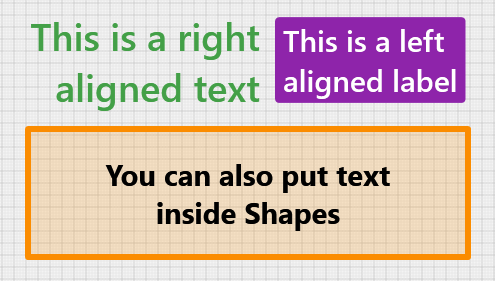
Text & Labels
Add notes directly to your screen:
- Text Boxes
- Labels
- Callouts
- Quick Annotations
Color & Appearance Controls
Customize your drawings in real time:
- Color Selection
- Opacity Control
- Brush Size Adjustment
- Brightness Control
- Dashed Lines
- Filled Shapes
Layer Management
Organize annotations using layers for more complex workflows and presentations.
Screen Capture Tools
Quickly capture and share information:
- Screenshot Capture
- Region Capture
- Clipboard Integration
Timed Annotations
Create temporary annotations that automatically disappear after a configurable duration.
Perfect for presentations, live demonstrations, and meetings.
Overlay Mode
Keep QuickPen accessible above other applications without disrupting your workflow.
Keyboard Shortcuts
Fully customizable shortcuts allow instant access to tools and actions.
Built for Speed
QuickPen is intentionally designed to minimize friction.
You won't find:
- Large floating toolbars
- Complex menus
- Multi-window workflows
- Heavy project files
- Unnecessary setup before drawing
Instead, you get a tool that is always ready when inspiration or communication is needed.
Perfect For
- Software Developers
- Technical Artists
- Designers
- Teachers
- Students
- QA Testers
- Project Managers
- Streamers
- Content Creators
- Remote Teams
- Anyone who needs to annotate their screen quickly
Platform
Windows 10 & Windows 11
Native desktop application focused on speed, low resource consumption, and long-term reliability.
Website
QuickPen | On-screen drawing and annotation for Windows
Philosophy
Drawing and annotation tools should disappear into the background.
When an idea needs to be explained, highlighted, or shared, the tool should be ready instantly.
QuickPen was built around that idea from day one.
Download
Click download now to get access to the following files:
Leave a comment
Log in with itch.io to leave a comment.